
How To Speed Up Android Device After Rooting

As the android speed goes down with the time. So today I am here to resolve that issue. We are going to share an interesting trick on Speeding up your Android smartphone After rooting, Go through the full post to know about it.
Today we are here with How To Speed Up Android Device After Rooting. Today
there are further than billions of people who are utilizing android
these days. And numerous people have a concern about a slowdown of their
android device.
As
the android speed goes down with the time. So today I am here to
resolve that issue. As there are many factors that can be responsible
for the slowdown of android speed like it can be due to low memory, RAM
and any other problem like viruses and many much more other factors.
So to make your android faster work you should root your android. Just read the below post to Boost up Your Android device.
How To Speed Up Android Device After Rooting
Rooting
is the process of allowing users of Android Phones, tablets, and other
devices to get the full control and authority within Android’s system.
When you root an Android smartphone it enables you to act as the
administrator of the android phone.
Rooting
of Android provides you the facility to completely remove and replace
your device’s operating system. So you can use this root access to run
many useful apps that only works on root android. And by this, you can
easily speed up your android.
Best Root Apps To Speed Up Android Device
1) Greenify

Greenify
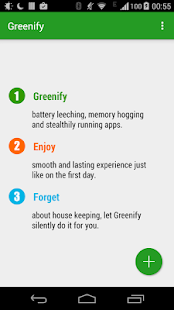
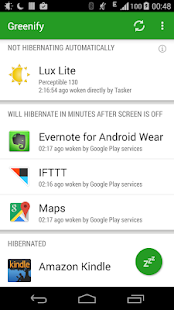
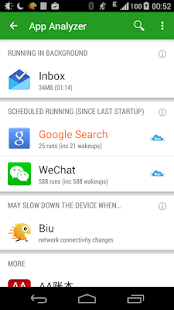
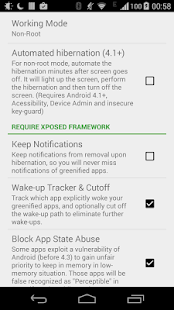
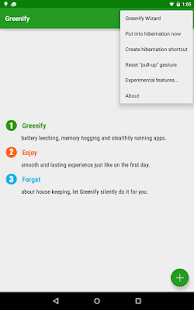
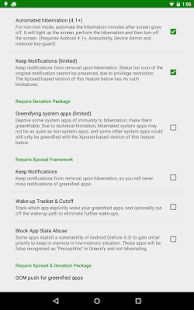
is the first app in my list as it is very simple and very effective in
increasing the battery life of your android. It is a very simple app and
its basic function is to hibernate your background apps. You also have
the option to hibernate your applications and let the remaining apps
like facebook and Whatsapp run as usual. These background applications
drain your precious battery even when they are not in use! Hence, this
app is very popular among several android users.Give it a try.
Feature:
- Unlike the “Freeze” feature in “TitaniumBackup Pro” that totally disable the app, you can still use your app, as usual, share content with it. No need to freeze & defroze it.
- Unlike “Autostarts”, you can benefit from almost all of its advantages, without needing to deal with the complexity and risk of obscure app components, and never lose functionality when an app is actively running.
- Unlike any “XXX Task Killer”, your device will never fall into the cat-mouse-game of stealthy-running and aggressive killing, which unnecessarily consumes more battery juice.
2) Rom manager

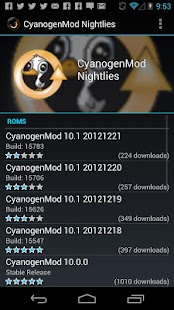
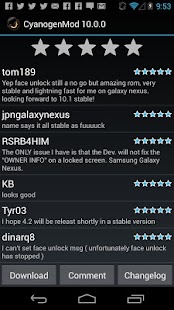
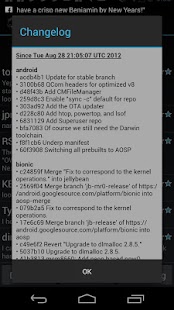
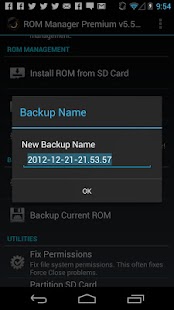
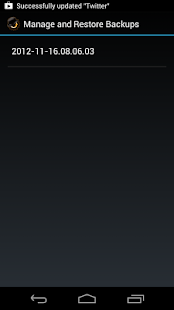
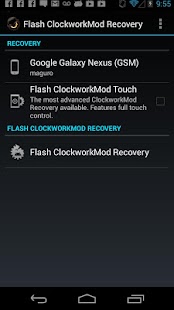
Rom
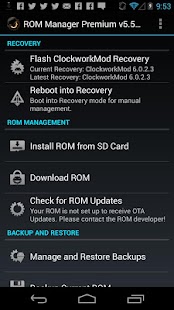
manager is one great app for all you enthusiasts who want to flash new
ROMs and taste new versions of android in your android smartphones. This
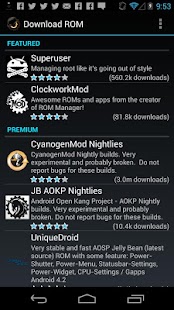
app gives you a list of all the famous ROMs available for your android
phone.You can also download them through this application and this also
saves you a lot of time searching for it on the internet.The premium
version of this app is worth a try.
Feature:
- Flash your recovery to the latest and greatest ClockworkMod recovery.
- Manage your ROMs via a handy UI.
- Organize and perform backups and restores from within Android!
- Install ROMs from your SD card.
- Install your favorite ROMs over the air!
3) Titanium Backup Root

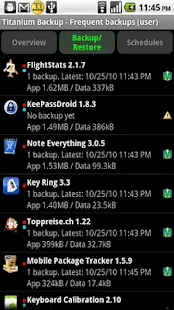
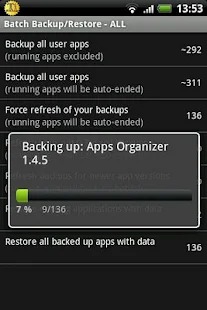
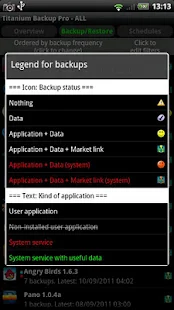
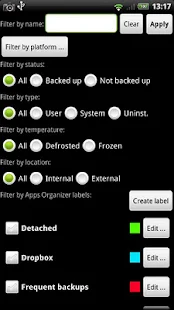
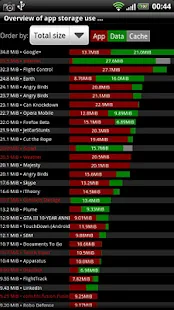
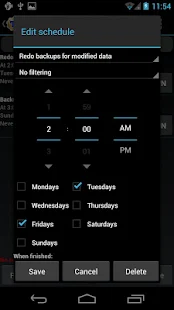
Titanium
backup is the app for those of you who do a much of flashing on your
android phone. This is the best application to backup your data and
from. It provides multiple options to back-ups like backing up specific
data and specific application. Not only that, you can also freeze your
apps and convert them into user apps and much more. This is a great app
and I suggest you try it out.
Feature:
- Backup apps without closing them!
- Create your own update.zip containing apps+data!
- Restore individual apps+data from non-root ADB backups!
- Restore individual apps+data from CWM backups!
- Restore individual apps+data from TWRP backups!
- Market “auto updating” manager
- Dalvik cache cleaner
4) Trickster Mod

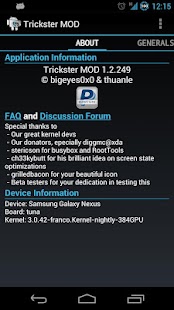
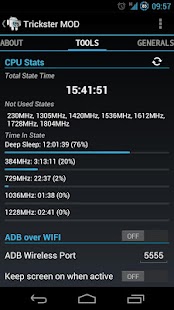
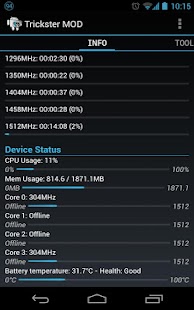
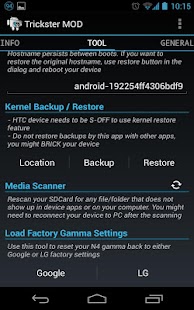
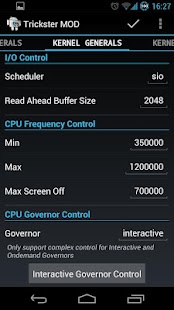

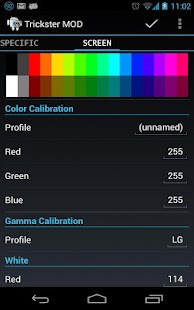
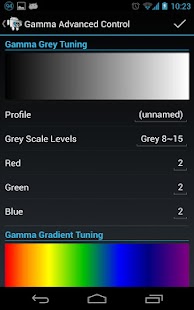
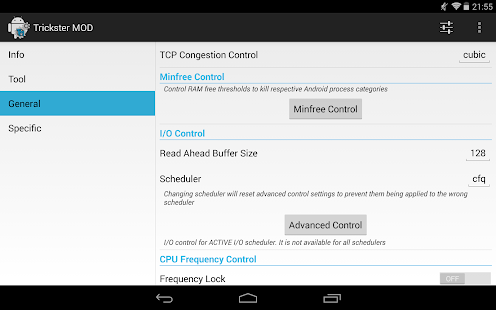
Trickster
mod is an awesome app.Truly, there are many apps out there which can do
the same tasks that this does but the support and the great interface
of this app beat them all. With this app, you can overclock your phone
to make it fly like a butterfly, under volt it to increase your battery
life and lot more. All in all, this is and the must have the app in your
rooted smartphone.
Feature:
- ADB over WLAN
- Set I/O scheduler, read ahead buffer, CPU scaling governor, min and max CPU speed
- CPU Statistics
- Set Device hostname
- Apply Grace Period (was Bootloop Preventer)Frequency Lock
5) Smart Booster

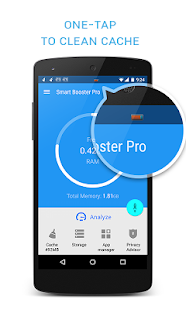
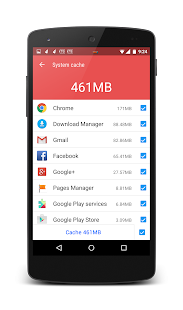
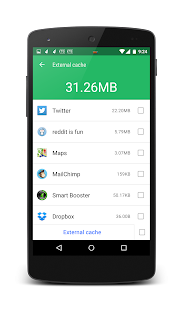
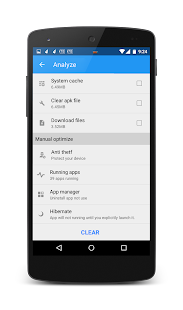
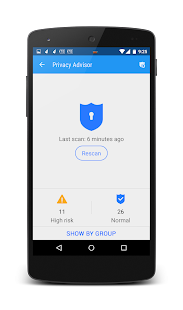
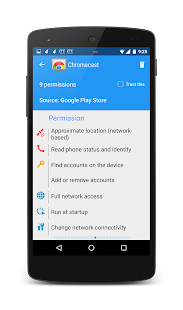
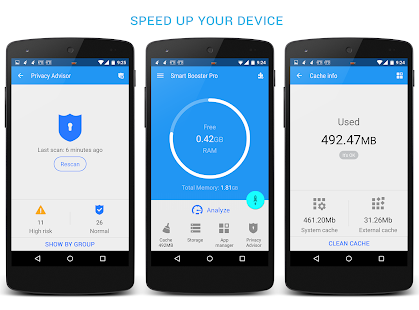
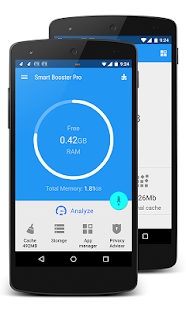
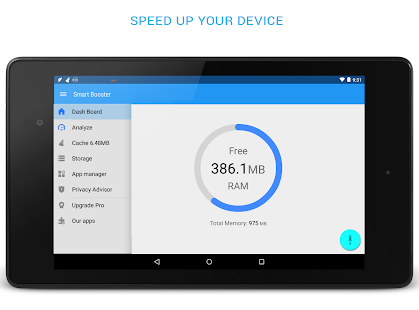

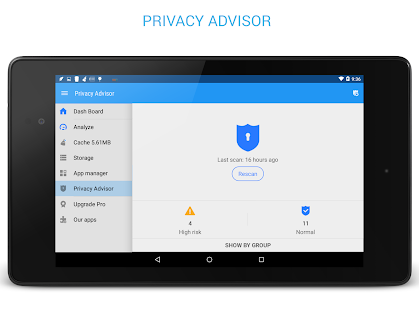
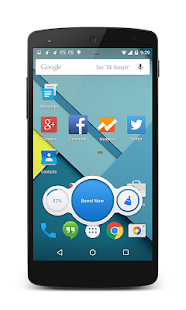
Ever
feel that your phone is sluggish when playing games or your phone
restarts during heavy usage?? then this is the perfect application for
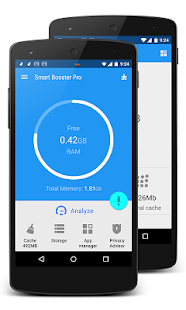
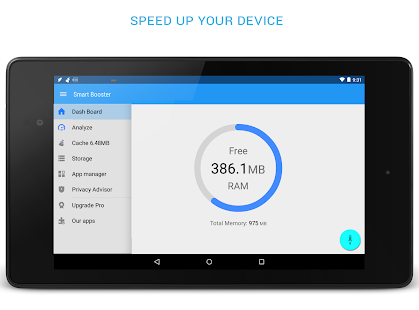
you. RAM Booster digs into your phone’s RAM and clears out unwanted
usage by background apps and provides some more RAM for the apps that
you are using. This app is a must for those who need more snappiness in
your phones.
Feature:
- Smart RAM Booster: small widget to adaptively boost RAM from anywhere
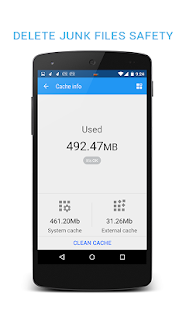
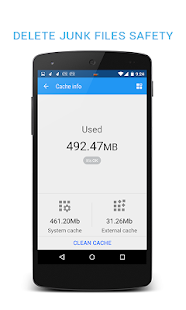
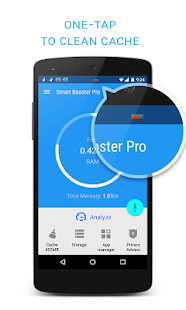
- Fast cache cleaner: one click to clean cache
- Quick SD Card cleaner: efficiently scan and clean junk created by million apps
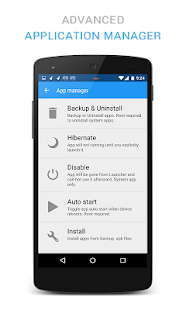
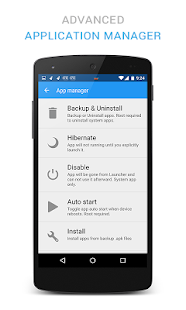
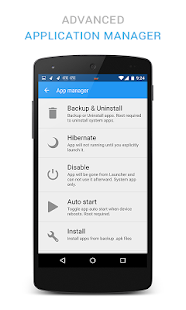
- Advanced application manager: optimize your devices by hibernating, disable, auto-start apps
6) Root Firewall Pro

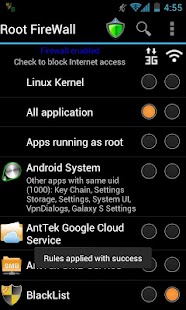
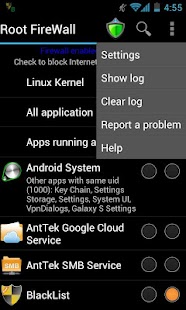
have
you been low on your data bandwidth??This app can help you out.With
this app, you can block apps from using the internet while you can
selectively enable it for the apps that you are using. It even has the
options to separate 2g,3g,4g and wifi networks enable for selected apps.
It also has features like ad blocking and much more.
Feature:
- Block Internet access for any apps:
- Separate 3G and WiFi data
- One-click widget enabled
- Test blocked app in a touch
7) Link2SD (My Favourite)
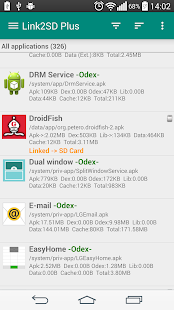
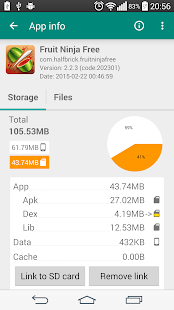
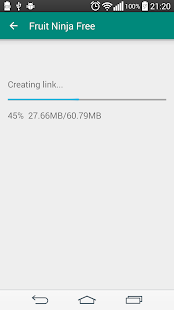
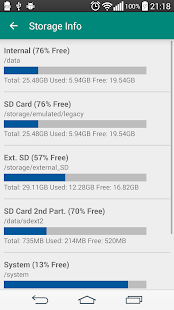
Link2SD,
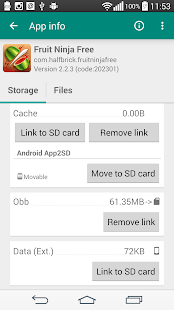
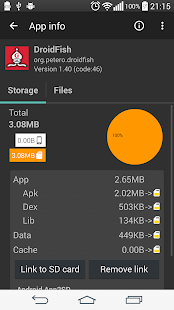
so many people especially Android device users have thanked this app.
What is Link2SD used for? This app is very useful for the Android
devices that supported with a small internal storage capacity. Link2SD
can be used for moving the data of the applications we’ve been installed
on the 2nd partition of the SD card.
Feature:
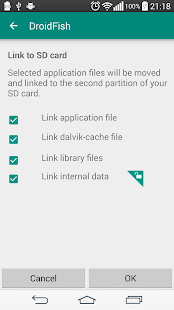
- Link app, dex and lib files of apps to SD card
- Link internal data of apps to SD card (Plus)
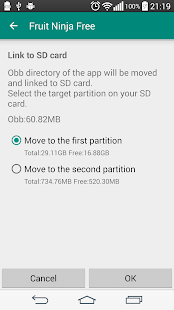
- Link external data and obb folders of apps and games to SD card (Plus)
- Link dex files of the system apps to SD card (Plus)
- Auto clear cache service (Plus)
- Automatically link newly installed apps (optional)
- Move any user apps to SD even though the app does not support moving to SD (“force move”)
#8 No-frills CPU Control
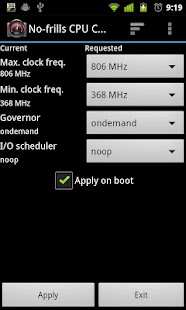
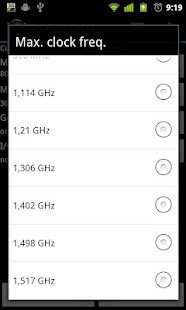
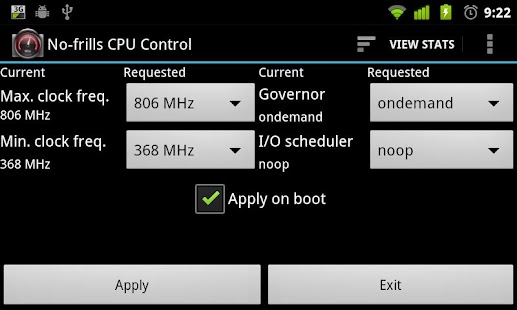
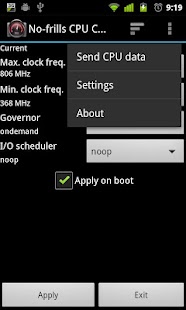
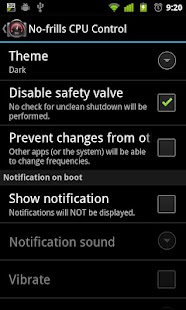
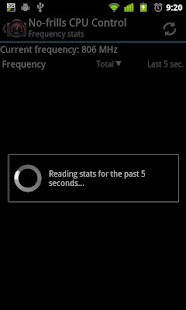
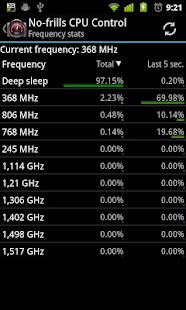
No-frills
CPU Control is a tool you can use on your rooted device to quickly set
the CPU frequencies and governor to use. It allows you to use the
highest frequency your phone supports and gain some precious FPS in your
preferred game, or go down to the lowest frequency and gain some more
juice when your phone is sitting idle.
Features:
- Easy GUI to set frequencies, governor and i/o scheduler
- Safety valve” to avoid boot-loops in case of unsafe settings (more info on the homepage)
- Stats screen to see the effective usage of frequencies
#9 AdBlock Plus

If
you love to play games on your android smartphone then this app will do
wonder to your device. Adblock plus will prevent your phone from those
annoying ads that pop up while you play games. This will enhance your
gaming performance and overall device performance.
#10 XBooster *ROOT*

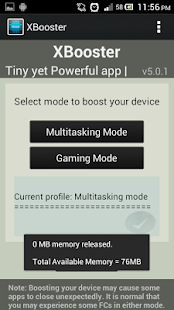
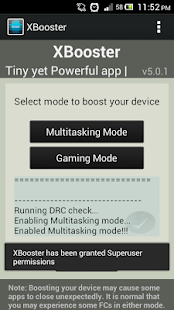
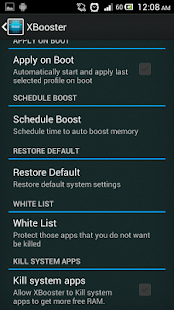
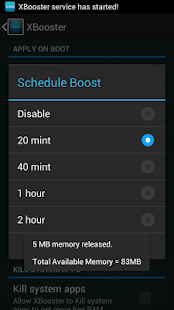
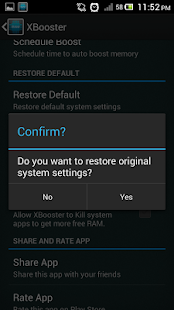
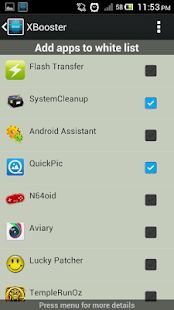
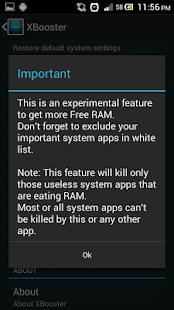
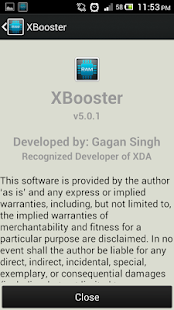
XBooster
is a tiny yet powerful app that boosts your device’s performance. This
app has a simple UI with a beautiful widget which improves your device’s
performance along with improving battery life of your phone. This is
the must have app if you like to do high multitasking or those who love
to play HD games on their devices
Features:
- Intelligently changes min free values according to device’s hardware.
- Homescreen widget to kill useless background apps at any time.
- Option to kill system apps to make more free RAM.
- Option for video/gaming graphics enhancement.
#11 SD Card Cleaner

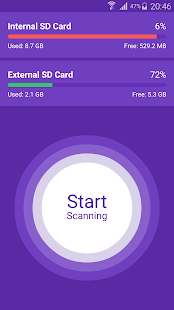
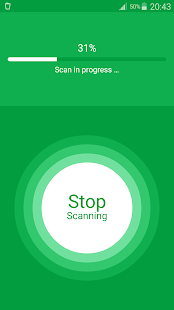
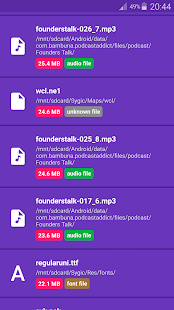
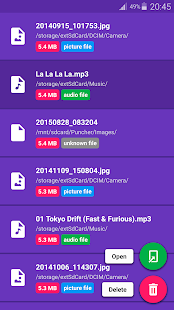
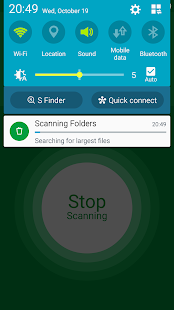
Is
your SD Card full of junk large files? Do you need more space? SD Card
Cleaner can help. You can easily scan your SD Cards and identify and
delete large files that you don’t need anymore. It’s easy, fast and
elegant.
Features:
- Simplicity
- Fast scanning in background (you can close the app till it finishes scanning)
- Files categorization
- Files preview
#12 L Speed (Boost&Battery)
![L Speed (Boost&Battery) [ROOT]](https://lh3.googleusercontent.com/HGdOT1gg5T2DzGvW6-qPhQOvzcfdzthWQUI-VttLN8vxNCiTjR3bb0pMLAE2hYvZioTr=w128)
![L Speed (Boost&Battery) [ROOT] Screenshot](https://lh3.googleusercontent.com/5yfCyIkF4b_0beefXHQB3Z2ZkMEw_olHq5YUZ5msS7CzIc1GN75Llzelh-BvCGhhbUs=h310)
![L Speed (Boost&Battery) [ROOT] Screenshot](https://lh3.googleusercontent.com/ivzF5oBHL3ATL8l8VjsqKJd5P_Z4cG9xgr5RJjIzIW6ZbxwvMfG6dLhL5300b6noWw=h310)
![L Speed (Boost&Battery) [ROOT] Screenshot](https://lh3.googleusercontent.com/lxOZempCToX5SL8_7fOML4-j0i3j4SRAlHGYUhzOCzjNFfASmYPlcjKwFswImBz7C6A=h310)
![L Speed (Boost&Battery) [ROOT] Screenshot](https://lh3.googleusercontent.com/__P42Ns9gXQvMK0c3WDjdzmT4t0kLFdcjvEWoOT7QuwExGhJ2PUK8u91iUwfcOyr_R8=h310)
![L Speed (Boost&Battery) [ROOT] Screenshot](https://lh3.googleusercontent.com/sFtUybBgX2zO7q9Qc-hZ_OB4FndvSsW7ldAvJqpr9Fss-oQlSUtFOezjNO1BknA-yg=h310)
![L Speed (Boost&Battery) [ROOT] Screenshot](https://lh3.googleusercontent.com/Op9IzQZiHGLwIFX6MuTC4rturqpPYSeGFka6iVEus0mXb1QCGoxig1dDl6JqwffndA=h310)
![L Speed (Boost&Battery) [ROOT] Screenshot](https://lh3.googleusercontent.com/RVhB3dd84AAzpatgQbUnptv9OT9FlgixGepij0bALVn8X4uwgstwlrxSwnScqqheZpRE=h310)
![L Speed (Boost&Battery) [ROOT] Screenshot](https://lh3.googleusercontent.com/7kXcWu15utVyk9FjzqZ81yn_8MEa3rOCIArp2_SS58IuQv1tsIES-Q6E8MiwJcMf6x4=h310)
L
Speed is a modification that combines tweaks inside an intuitive
application, Its goal is to improve overall performance, reduce
significant lags, and extend battery life. The mod will and should work
on any device that meets its minimum requirement.
Feature:
- L Speed comes with a nice and clean user interface.
- L Speed also supports changing theme colors
- L Speed is a modification that combines tweaks inside an intuitive application
#13 Speed Up Swap (root)

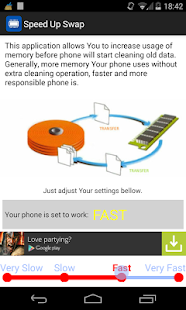
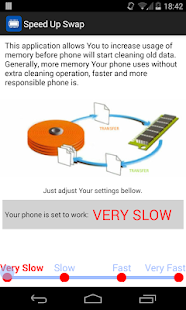
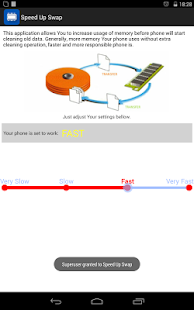
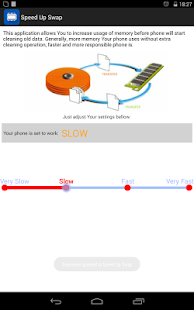
Speed
Up Your Device, make it more responsive. By using this app after each
boot You can change settings of Your Android to use memory more
efficient. This app allows You to use more memory without extra
operations.
Features:
- This app instructs your Android system to clean memory.
- With this app, it’s easy to adjust memory usage and improve performance and responsiveness.
- This app allows You to use more memory without extra operations.
So foregoing is the method for How To Speed Up Android Device After Rooting. The main functioning of this method is on root apps that help to speed up android and also you can complete access over the working of your android. Hope you like the post. Don’t forget to share this with your friends.


 Piyush KR is the Founder of BeingHacker. He writes about how to, tutorials especially on Android, Computer, Internet, Social Networks etc. Apart from this he is an Ethical Hacker. He loves to share his knowledge with others through blogging.
You can contact me at admin@beinghacker.net
Piyush KR is the Founder of BeingHacker. He writes about how to, tutorials especially on Android, Computer, Internet, Social Networks etc. Apart from this he is an Ethical Hacker. He loves to share his knowledge with others through blogging.
You can contact me at admin@beinghacker.net
No comments:
Post a Comment